01
Apple Watch
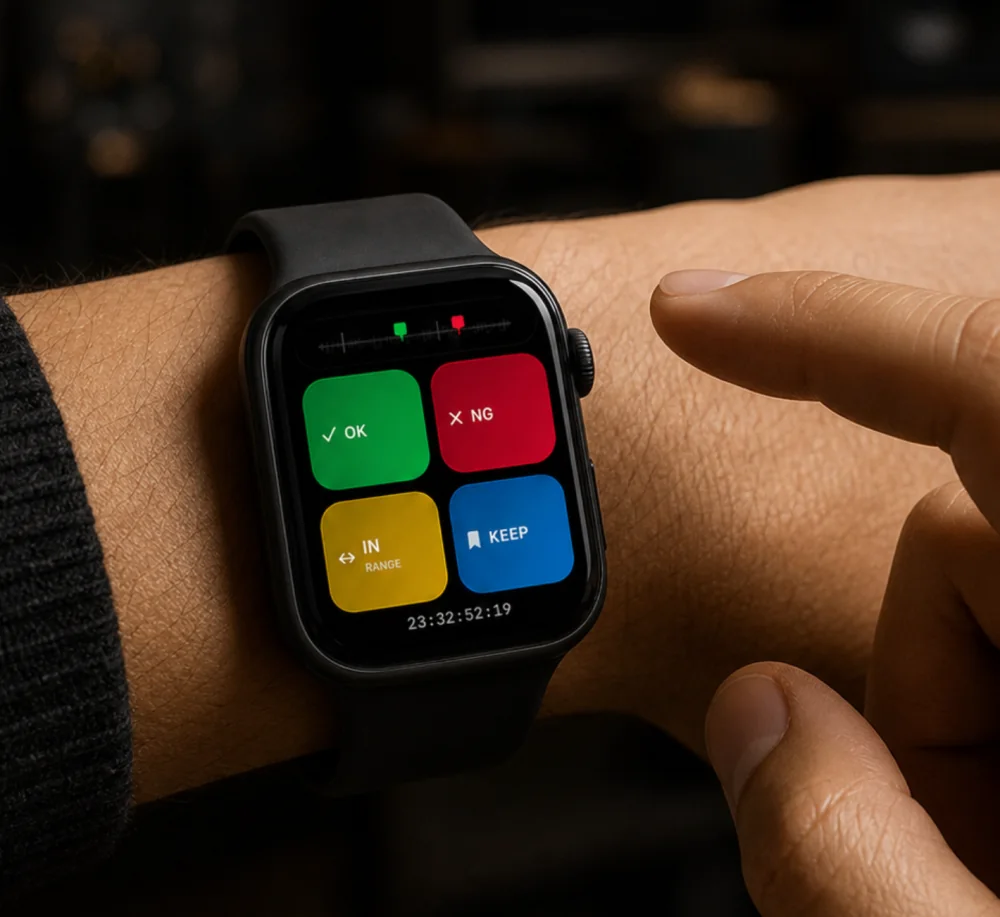
Raise your wrist and mark a take beside the camera or while blocking a scene.
 oktakeTechnical support →
MARK ON SET · EDIT FASTER
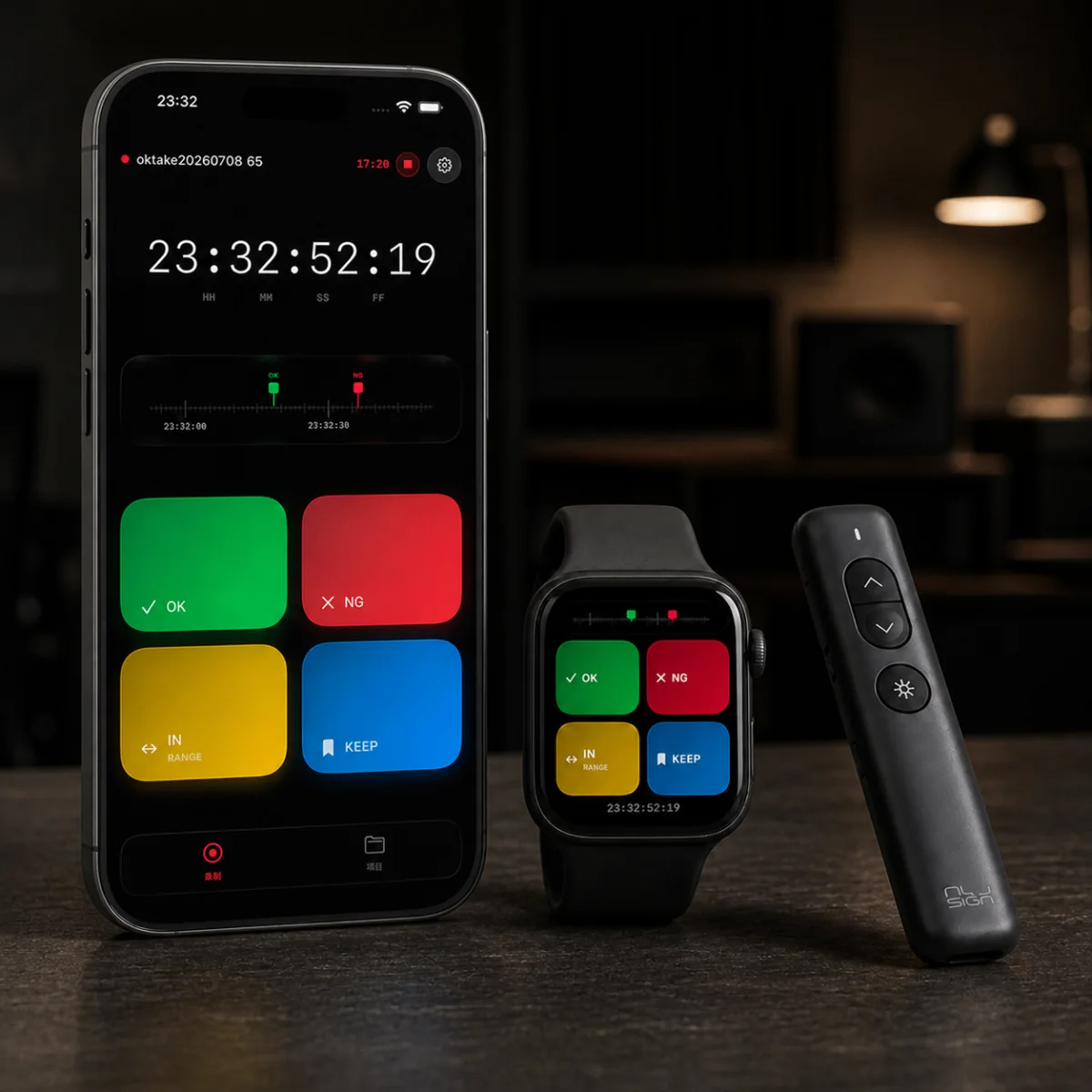
Use OK, NG, KEEP, and RANGE while the camera rolls. Back on your Mac, oktake matches every marker to the source timecode and sends it into your editing software.
ON SET
Keep the camera rolling. Colors, ranges, and notes preserve the director, camera, and script team's decisions beside the footage.
POST
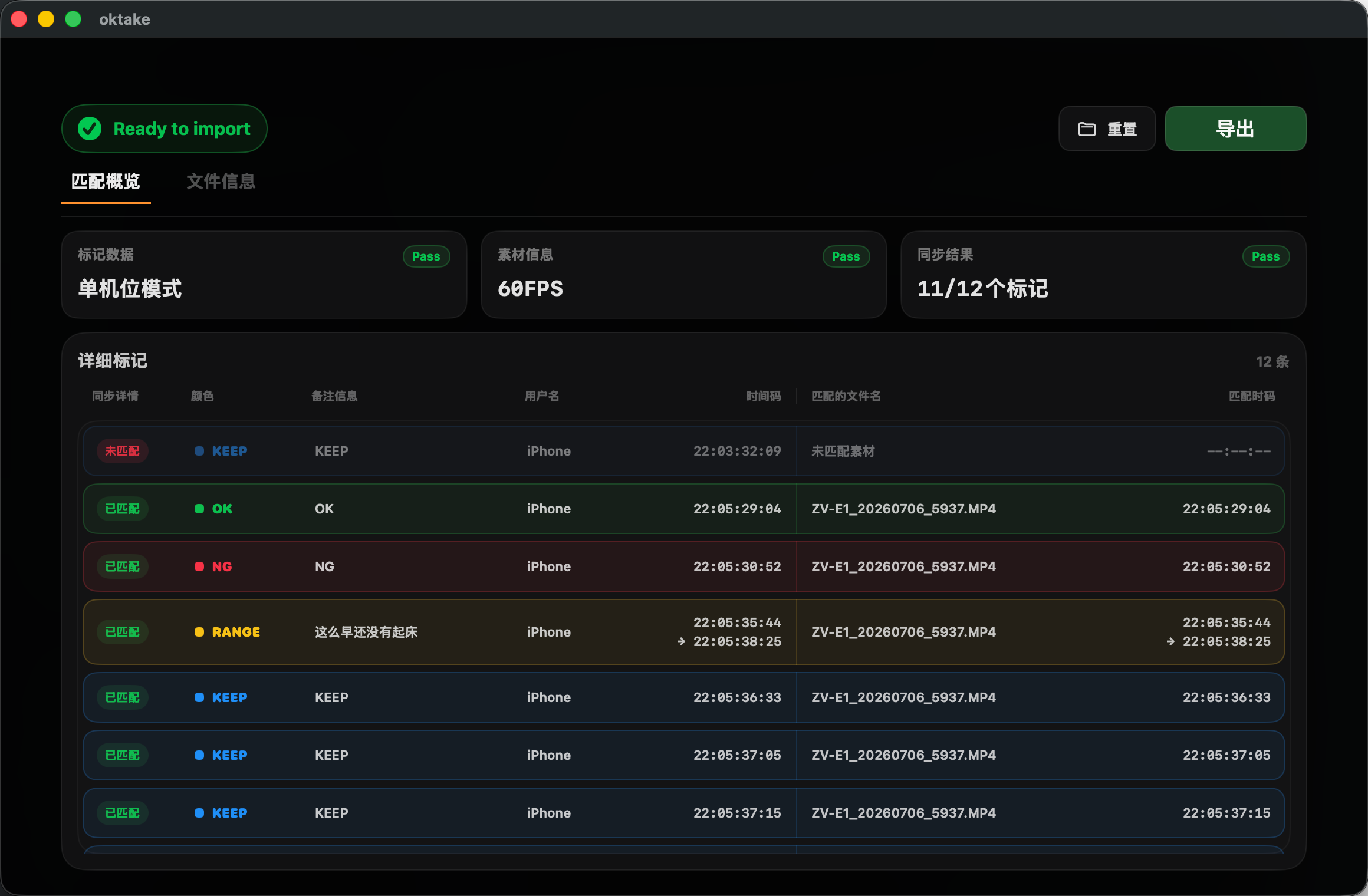
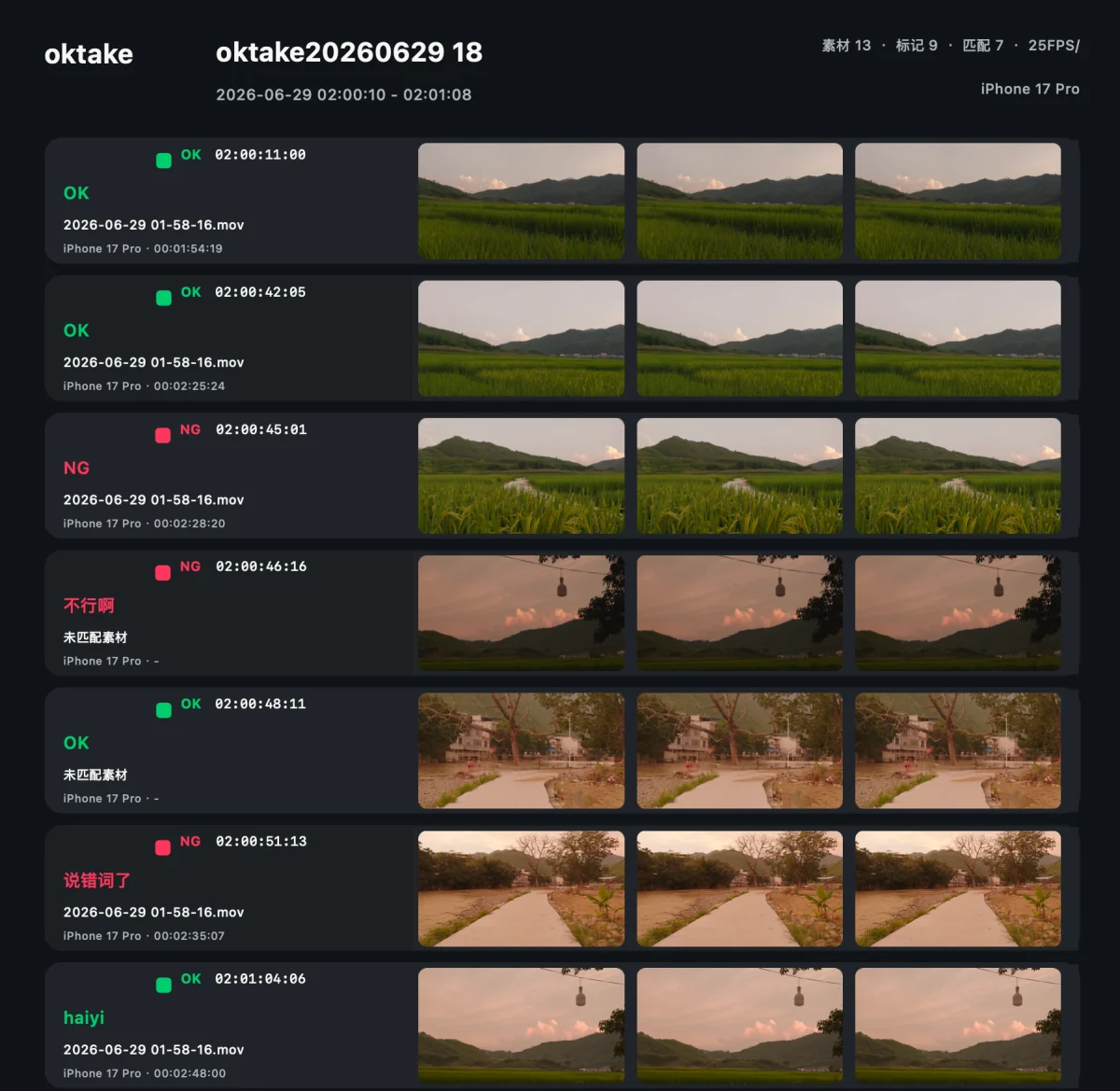
Drop the .take file and original media onto your Mac. oktake reads source timecode and finds the exact frame for every point and range marker.
EDIT READY
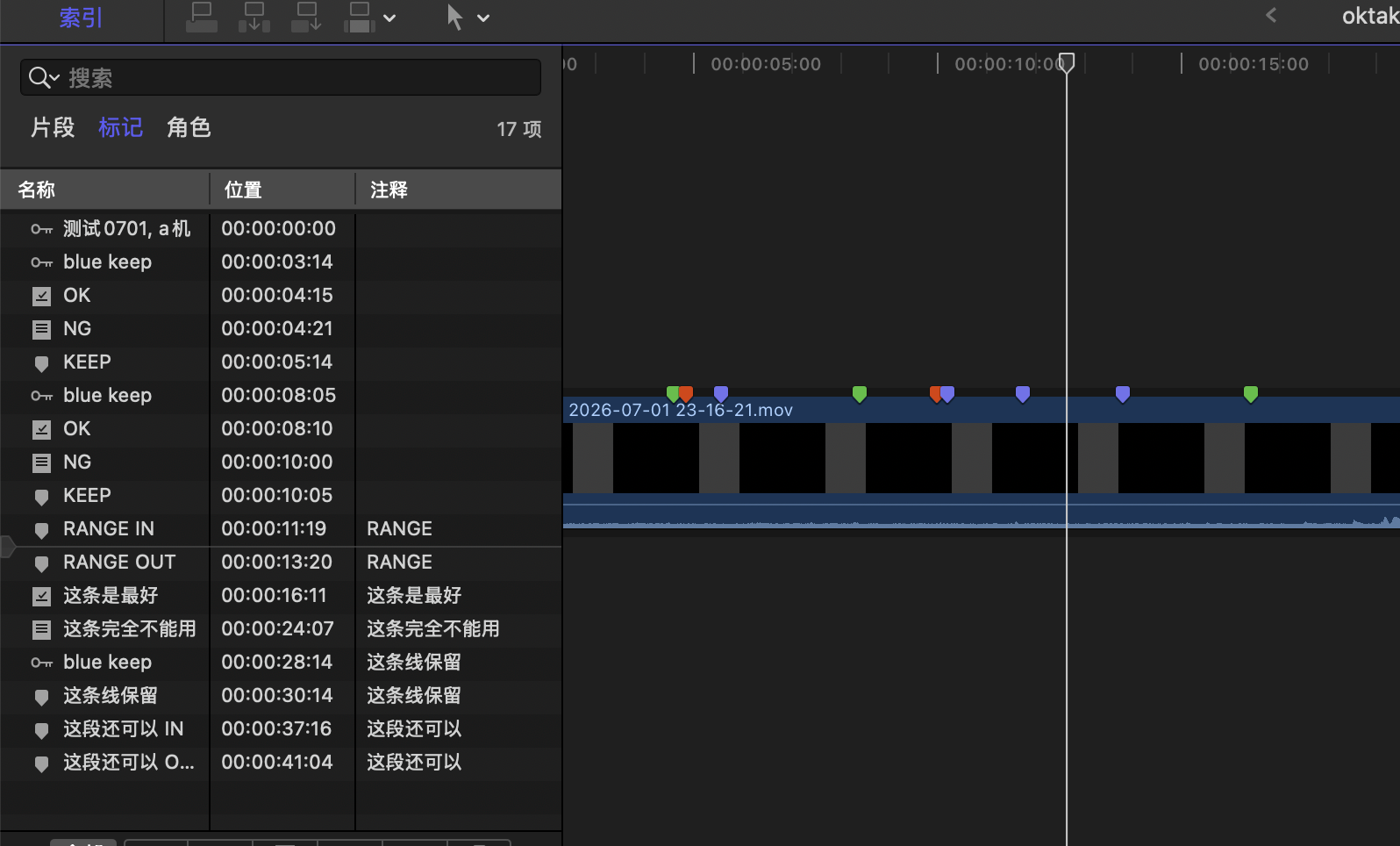
Colors, notes, point markers, and in/out ranges stay with the edit. Works with Final Cut Pro and DaVinci Resolve workflows.
MORE WAYS TO MARK
Raise your wrist and mark a take beside the camera or while blocking a scene.
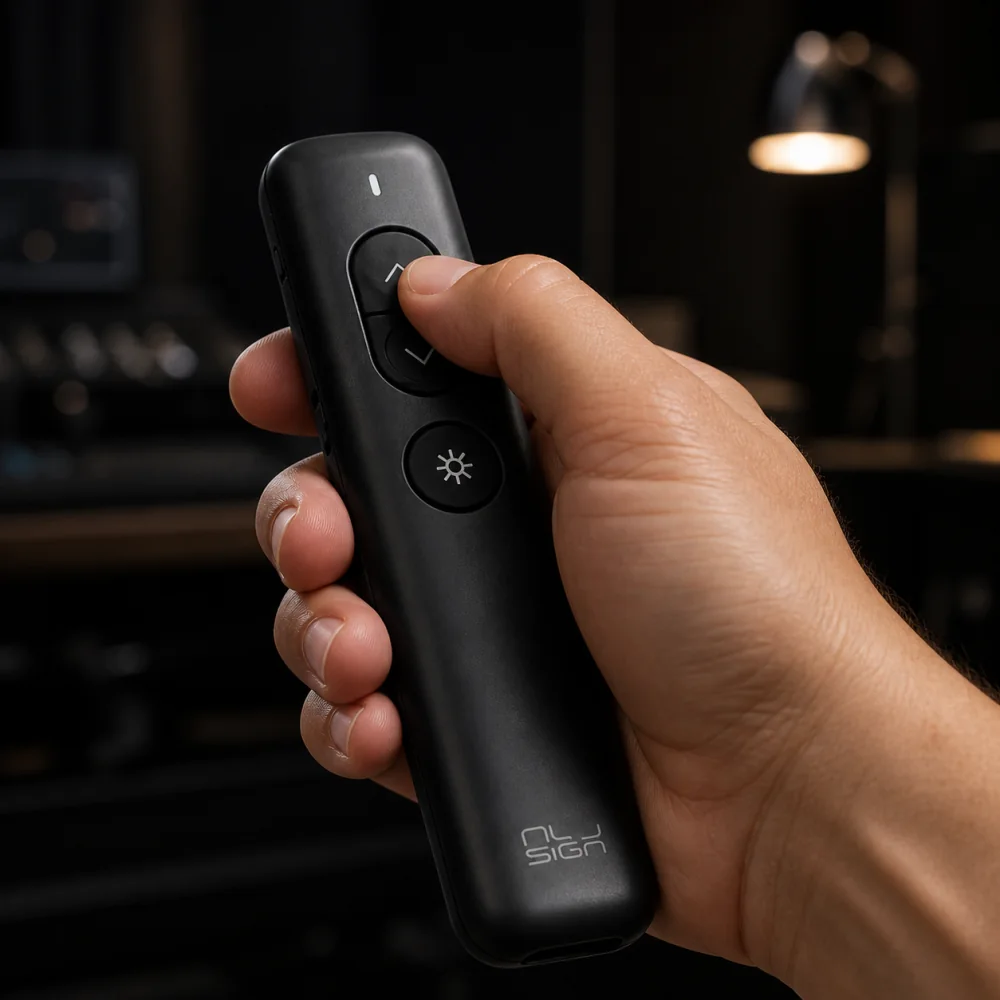
Map four markers to the arrow keys and work quickly with gloves or away from your phone.
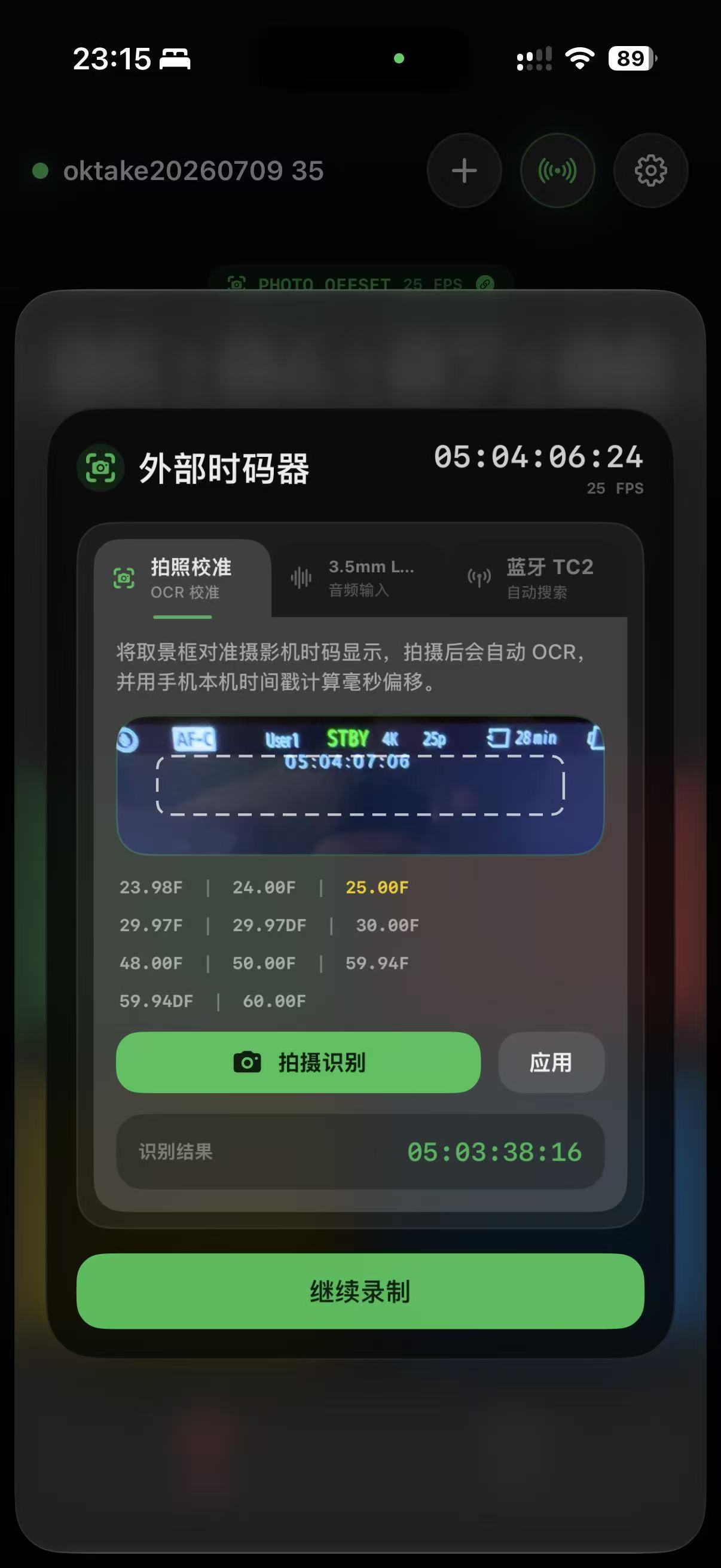
Align to camera free-run timecode, calibrate by OCR photo, or read 3.5 mm LTC input.
Turn timecode, notes, and keyframes into a report for set review and team handoff.
BUILT FOR PRODUCTION
Mark strong answers as they happen instead of searching the entire recording later.
Record selected, rejected, and hold takes on set so the editor can make decisions immediately.
Keep discarded sections, usable takes, and pickup notes on one accurate timeline.
Mark highlights while recording and jump straight to the best moments when the session ends.
WORKS WITH YOUR SETUP
OKTAKE FOR IOS + MACOS